
Looking for a Cheaper Epos Now Alternative? Compare the Full Cost
Looking for an EPOS system cheaper than Epos Now? Compare hardware, subscriptions, card fees and switching costs before choosing a UK alternative.

An EPOS system can be cheaper than Epos Now for your business, but a lower hardware price or monthly subscription doesn’t prove it. Compare the total cost over the same period, including software, support, card processing, essential extras and switching costs. Then check that both systems handle the work you need. Without comparable written quotations, there’s no reliable basis for saying which provider will cost you less.
What does Epos Now’s advertised price include?
Epos Now’s advertised starting price should be read alongside its subscription conditions and your individual quotation. At the time of checking on 5 October 2026, its UK website advertised a Countertop 2 bundle from £299. The accompanying conditions stated that the discounted Complete Solution bundle required a 12-month payments, care and support subscription starting at £54 per month. Its pricing page directed businesses towards a custom quotation.
That gives you a starting point, rather than a complete operating cost. Ask for confirmation of VAT, payment charges, equipment, software access and any additional services in your particular offer.
Apply the same approach to every alternative. A headline price from another provider is only useful when you know what comes with it.
Ask for an itemised quotation
Your quote should identify what you pay immediately, what you pay regularly and what depends on usage.
For example, does “support included” mean help during your opening hours? Does the advertised package cover one till or two? Is product setup included, or will your staff need to do it?
Clear answers make an EPOS system comparison much easier.
How to find an EPOS system cheaper than Epos Now
To find a system cheaper than Epos Now, compare equivalent setups over an identical period using your actual business requirements.
Total cost of ownership means the full cost of buying, using and maintaining a system. For EPOS, that includes more than the touchscreen on your counter.
Use this calculation:
Total EPOS cost = upfront costs + recurring charges + payment processing + essential extras + switching costs
Start with 12 months, then check 36 months where relevant. A longer comparison can reveal whether a low initial price is offset by higher ongoing charges. Include any scheduled price changes rather than assuming today’s rate lasts throughout.
Why card fees can change the result
Card processing can outweigh a modest difference in EPOS subscription costs, particularly when your business takes substantial card sales.
A percentage processing fee is a charge based on the value of a payment. Some quotations also include a fixed amount per transaction or other recurring charges.
Imagine a shop takes £30,000 in card payments each month.
For illustration, a difference between 1.2% and 1.5% would produce the following percentage-based charges:
That’s £1,080 across a year if sales remain constant. These aren’t provider quotations, and the calculation excludes fixed transaction fees, terminal rental and other charges.
It shows why saving £10 on software doesn’t necessarily mean you’ve chosen the lower-cost package.
Compare rates using your own transactions
Give each supplier the same recent payment statements. Ask them to calculate costs using your card turnover, transaction count and card mix. A café taking many small payments needs to pay attention to fixed transaction charges. A furniture shop taking fewer, larger payments may find percentage differences more significant.
Also ask which card types the quoted rate covers and whether refunds, chargebacks or other services carry separate charges.
When comparing integrated card payments, check both the processing cost and the connection with your till. Integration should be demonstrated with a sale, refund and failed payment so you can see how staff would use it.
Compare the features your business actually needs
A lower-cost EPOS package offers value when it supports your essential tasks without adding avoidable work.
Write down your must-have requirements before looking at demonstrations. This helps you compare suppliers fairly and keeps attractive extras from distracting you.
Independent retail and grocery shops
For a grocery shop, ask the supplier to demonstrate barcode scanning, stock adjustments, product pricing and the reports you use regularly.
If you sell products by weight, confirm the exact weighing equipment and workflow supported. If you run a mobile phone shop, demonstrate the product variants and item tracking your business requires.
When assessing a retail EPOS system, use a sample of your own products. A demonstration with five simple items may not show how the system handles your real catalogue.
Cafés, restaurants and takeaways
Hospitality comparisons should include realistic orders and changes. For example, enter a breakfast with substitutions, send it to the kitchen, amend it and split the payment. A takeaway should test modifiers, collection orders and kitchen ticket routing where required.
Ask whether the demonstrated functions are included in the quotation. A feature shown during a demo may depend on extra hardware, a particular package or an additional subscription.
Growing businesses with several locations
For multiple branches, confirm how licences and support charges scale. Ask the supplier to demonstrate access to each location’s sales and stock information. Check what happens when you add another till or shop.
A package that suits one counter may have a different cost structure once your business expands.
Include the cost of switching
An alternative can cost less to operate while still requiring an initial investment to move.
Before switching, establish what you can export from your current system, what the new provider can import and who will handle the work.
Check data migration and hardware compatibility
Data migration means transferring information between systems. Confirm which records can move, including products, prices, customers and stock quantities.
Historical sales may need a different approach. Ask how you’ll retain access to reports you still need rather than assuming everything transfers automatically.
For equipment, provide exact model numbers. A receipt printer or scanner that looks suitable may require a compatibility check. Confirm reuse through the supplier’s EPOS hardware options before removing replacement equipment from your budget.
Allow for training and contract commitments
Your staff will need time to practise sales, refunds, discounts and end-of-day procedures.
Agree a changeover plan that suits your opening hours. A restaurant might choose a quiet service period; a convenience shop may need a staged setup because it trades throughout the day.
Check your existing agreement for notice requirements, remaining payments, equipment return conditions and any quoted exit costs.
You can then estimate the switching payback period:
One-off switching cost ÷ monthly saving = months to recover the cost
For example, an illustrative £600 move that saves £50 monthly takes 12 months to recover, assuming the saving stays consistent.
Zivaro shouldn’t be assumed to be cheaper without a comparable quotation. The decision should follow the figures and a demonstration of your everyday work.
Ultimately, an EPOS system is cheaper than Epos Now for your business when its comparable total cost is lower and it meets your essential requirements. That’s a stronger basis for switching than an attractive headline price.
Compare your costs with Zivaro
Bring your current EPOS quotation and recent card-processing statement to a free Zivaro demonstration. Ask for an itemised proposal and see how the system handles your products or menu before deciding whether switching offers better value.
Frequently asked questions
Is Zivaro cheaper than Epos Now?
It depends on your setup and quotations. Compare hardware, subscriptions, payment charges, essential extras and switching costs over the same period. A lower advertised price alone doesn’t establish which provider costs less.
What should I include in an Epos Now cost comparison?
Include all costs needed to run your chosen setup. That means hardware, installation, software, support, payment processing, required integrations and contract commitments. Use equivalent equipment and features for each supplier.
Can lower card fees make a more expensive EPOS system worthwhile?
Yes, if the payment savings exceed the extra EPOS cost. Calculate this using your actual turnover, transaction count and card mix. Include fixed fees and terminal charges before drawing a conclusion.
Can I keep my existing EPOS hardware when switching?
Possibly, subject to compatibility and ownership checks. Give the new supplier exact model numbers for your till, printer, scanner and other devices. Confirm compatibility before assuming you can reuse them.
How do I know whether switching will save money?
Calculate the ongoing saving and subtract the cost of moving. Include migration, training, replacement equipment and existing contract commitments. Then work out how long it takes for monthly savings to recover the initial cost.
More EPOS guides

Restaurant EPOS: table plans, timing and printers
Table 9 gets mains before table 6 gets starters. Here are the EPOS features that stop that happening, and the ones that only matter on paper.
Read article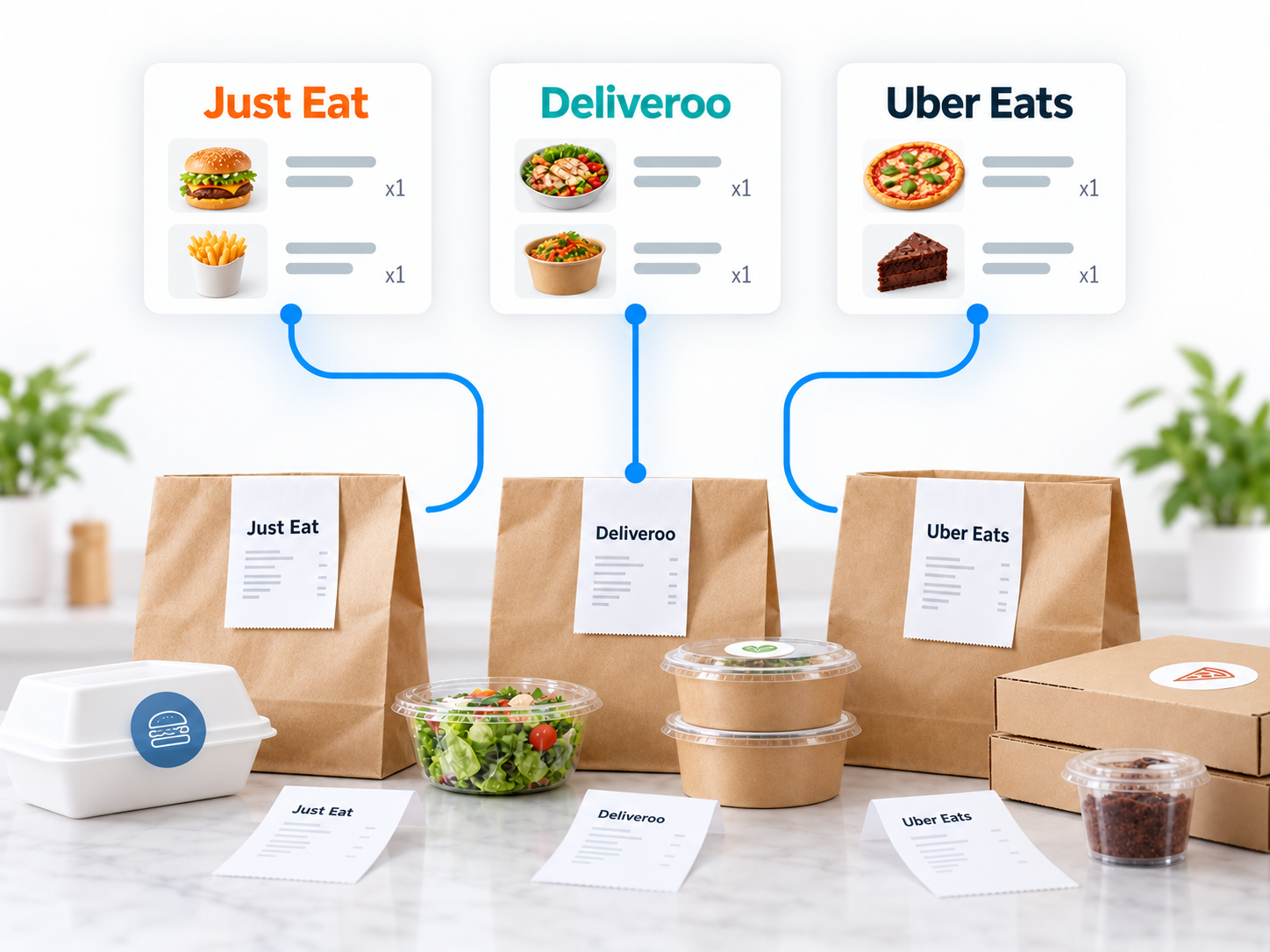
Connect Just Eat, Deliveroo and Uber Eats to one till
Three tablets, three sets of beeps and one kitchen. Here is how aggregator orders can land in a single till, and what to check before you switch.
Read article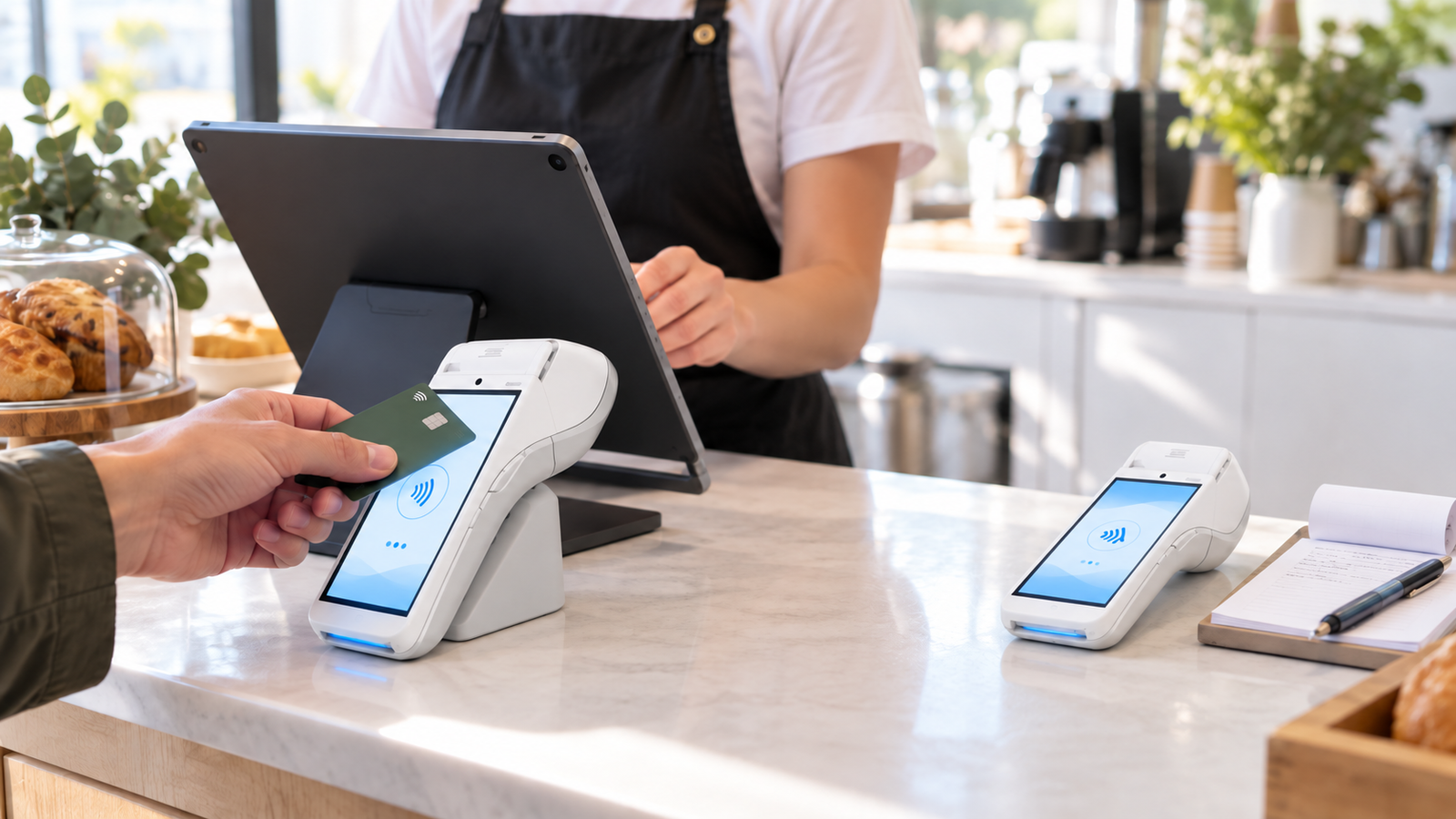
Integrated vs Standalone Card Machines: Which Is Best for UK Businesses?
One mistyped total a week costs more than most people think. Here is when connecting your card machine to your till is worth it, and when it is not.
Read article